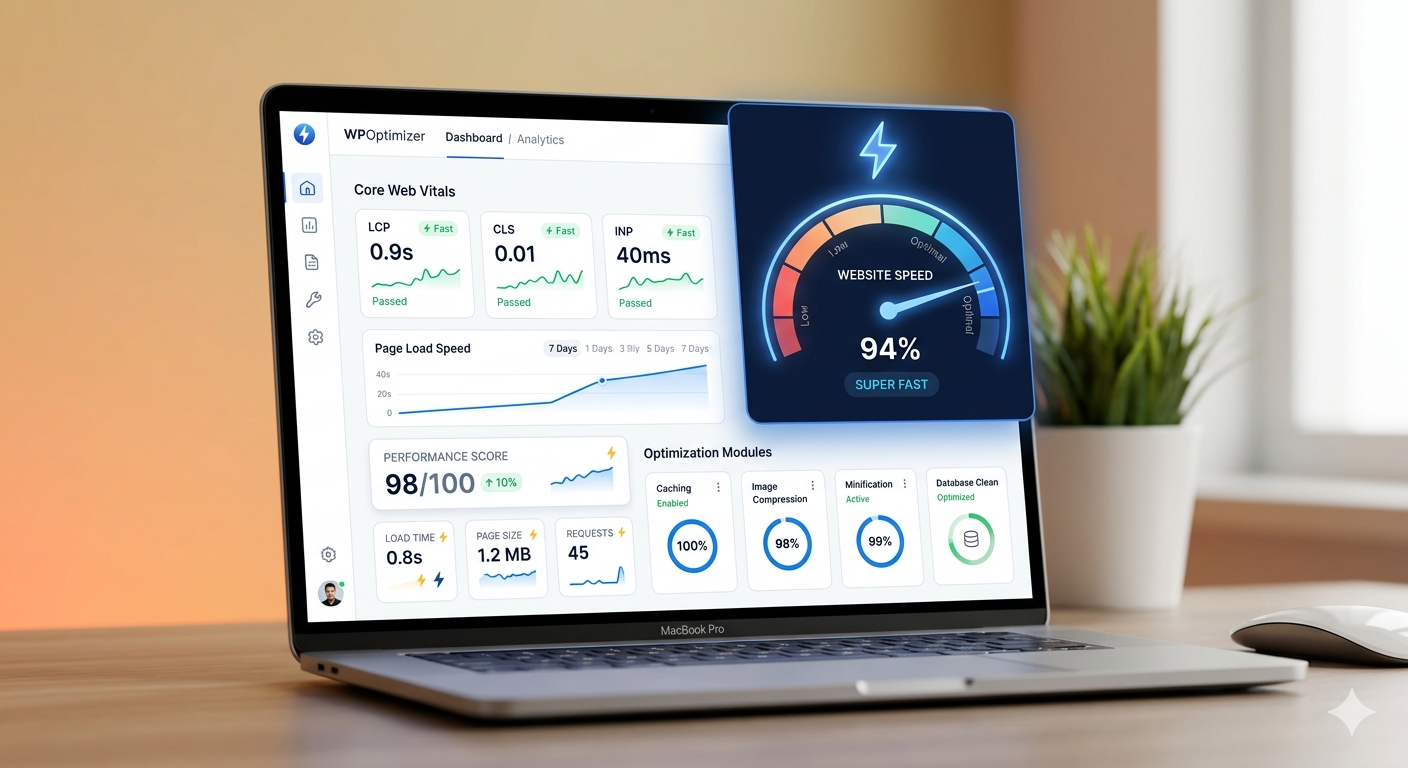
Optimizing a HubSpot website for speed involves improving images, reducing JavaScript, minimizing third-party scripts, and leveraging built-in CDN features to enhance Core Web Vitals and user experience
What Is HubSpot Website Speed Optimization?
HubSpot website speed optimization is the process of improving page load time, responsiveness, and visual stability using HubSpot CMS tools, developer best practices, and performance-focused design.
Why Is Website Speed Important in HubSpot?
Website speed directly affects:
- SEO rankings (Google Core Web Vitals)
- Conversion rates (faster = more leads)
- Bounce rate (slow sites lose users)
👉 A delay of even 1 second can significantly reduce conversions.
How to Optimize HubSpot Website Speed (Quick Answer)
To optimize HubSpot website performance:
- Compress and use WebP images
- Minimize and defer JavaScript
- Reduce third-party scripts
- Use HubSpot CDN effectively
- Lazy load images and videos
- Optimize CSS and fonts
- Improve HubL structure
How Do You Optimize Images in HubSpot?
Optimize images in HubSpot by compressing files, using WebP format, resizing images before upload, and enabling responsive image loading.
Key Tips:
- Use tools like TinyPNG or Squoosh
- Avoid uploading large images (e.g., 4000px wide)
- Use
srcset for responsive loading
- Enable lazy loading
How to Reduce JavaScript in HubSpot?
Reduce JavaScript in HubSpot by removing unused scripts, deferring non-critical JS, and limiting third-party integrations.
Pro Tip:
Only load scripts where needed—not globally.
What Are Third-Party Scripts and Why Reduce Them?
Third-party scripts include:
- Analytics tools
- Chat widgets
- Tracking pixels
Reducing third-party scripts improves load time by decreasing blocking resources and network requests.
👉 Too many scripts = slow site, poor Core Web Vitals
Does HubSpot Have a Built-in CDN?
Yes .
HubSpot uses a global CDN to deliver assets faster.
But you still need to:
- Upload assets to HubSpot (avoid external hosting)
- Optimize files before upload
- Ensure caching works properly
How to Optimize CSS in HubSpot?
Optimize CSS by removing unused styles, minimizing file size, and inlining critical CSS for faster rendering.
Tips:
- Avoid heavy frameworks unless needed
- Combine CSS files where possible
- Focus on above-the-fold content
What Is Lazy Loading and How to Use It?
Lazy loading delays loading of images and videos until they are visible on the screen.
👉 This improves initial load speed significantly.
How to Optimize HubL for Performance?
Optimize HubL by reducing loops, minimizing HubDB queries, and avoiding unnecessary server-side processing.
Developer Tips:
- Cache HubDB data
- Keep templates lightweight
- Avoid complex nested logic
How Do Fonts Affect HubSpot Performance?
Fonts impact performance by increasing load time due to additional requests and file sizes.
Fonts impact performance by increasing load time due to additional requests and file sizes.
Optimize Fonts:
- Limit font weights (e.g., 400, 600 only)
- Use
font-display: swap
- Prefer system fonts when possible
What Are Core Web Vitals in HubSpot?
Core Web Vitals are Google’s performance metrics:
- LCP (Largest Contentful Paint) – loading speed
- CLS (Cumulative Layout Shift) – visual stability
- INP (Interaction to Next Paint) – responsiveness
👉 Improving these directly boosts SEO rankings.
How to Improve Core Web Vitals in HubSpot?
Improve Core Web Vitals by optimizing images, reducing render-blocking resources, minimizing layout shifts, and improving server response times.
Common HubSpot Performance Mistakes
- Uploading uncompressed images
- Using too many tracking tools
- Loading scripts globally
- Overusing animations
- Heavy module structures
How to optimize HubSpot website speed?
Optimize HubSpot website speed by compressing images, reducing JavaScript, minimizing third-party scripts, using lazy loading, optimizing CSS, and improving HubL structure to enhance Core Web Vitals and user experience.